```{r}
```Dr. Ajay Kumar Koli, PhD | SARA Institute of Data Science, India
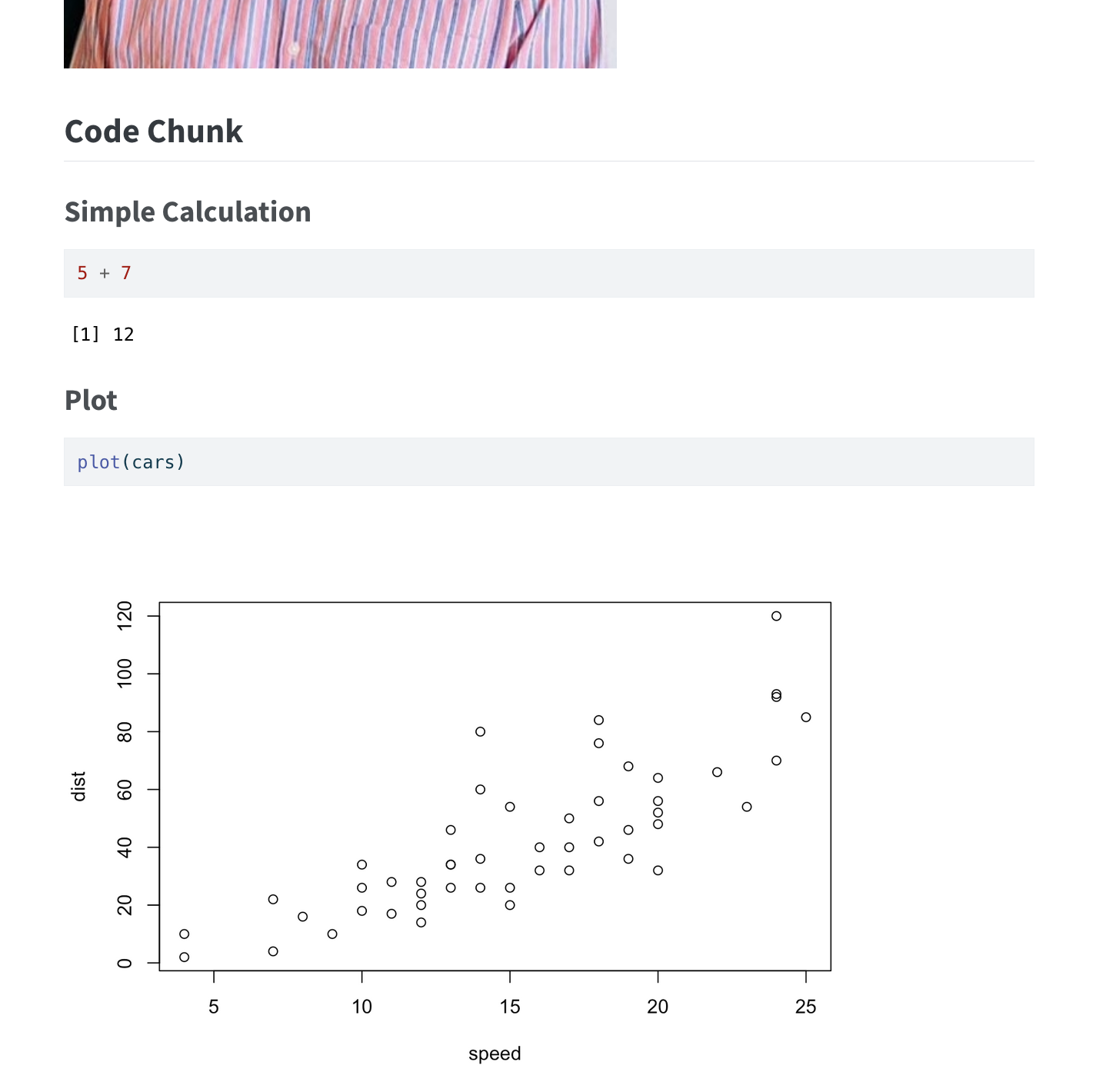
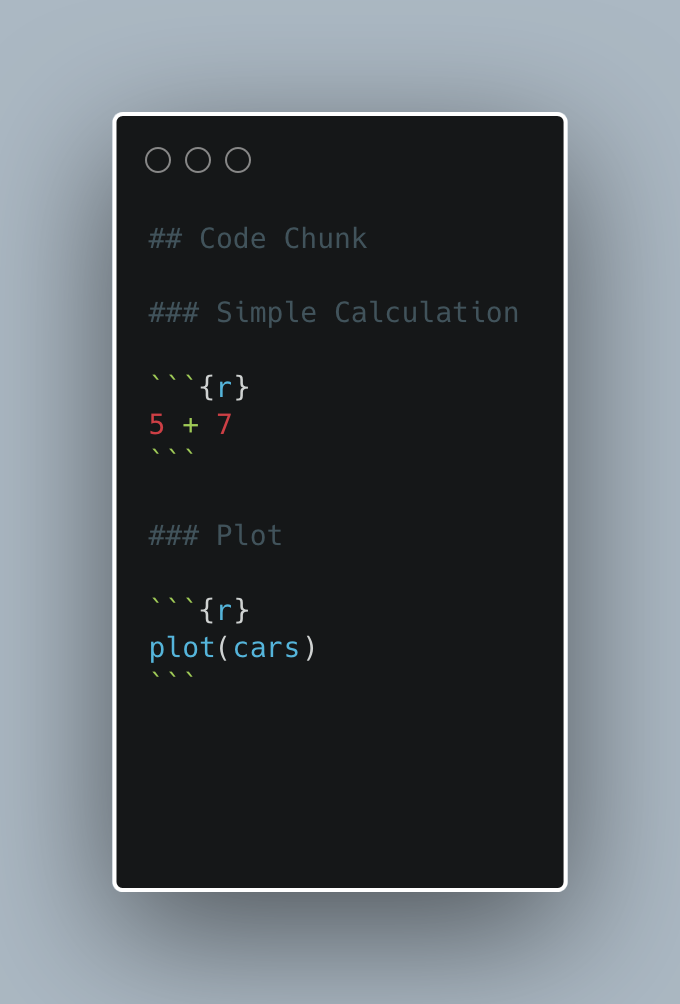
A code chunk is a section of code inside your Quarto (
.qmd) document that gets executed when you render the document. The output (like a table or plot) is shown right in the final HTML, PDF, or Word file.
Starts and ends with triple back ticks (```).
{r} tells Quarto it’s an R code chunk.
This will print the result 12 in the rendered document.
This shows a plot of the built-in cars dataset.
Three ways to insert code chunks in the quarto file:
Keyboard shortcuts:
Option + Cmd + i.ctrl + alt + i.
Insert Chunk button in the editor toolbar.
Manually type the chunk delimiters ```{r} and ```.
Two ways to run code chunks:

Use the Run Current Chunk or Run All Chunks Above buttons.
Run the current code chunk with Cmd/Ctrl + Shift + Enter.
| Option | What it does |
|---|---|
echo=FALSE |
Hides the code in output |
eval=FALSE |
Shows the code but doesn’t run it |
message=FALSE |
Hides messages (like from packages) |
warning=FALSE |
Hides warnings |
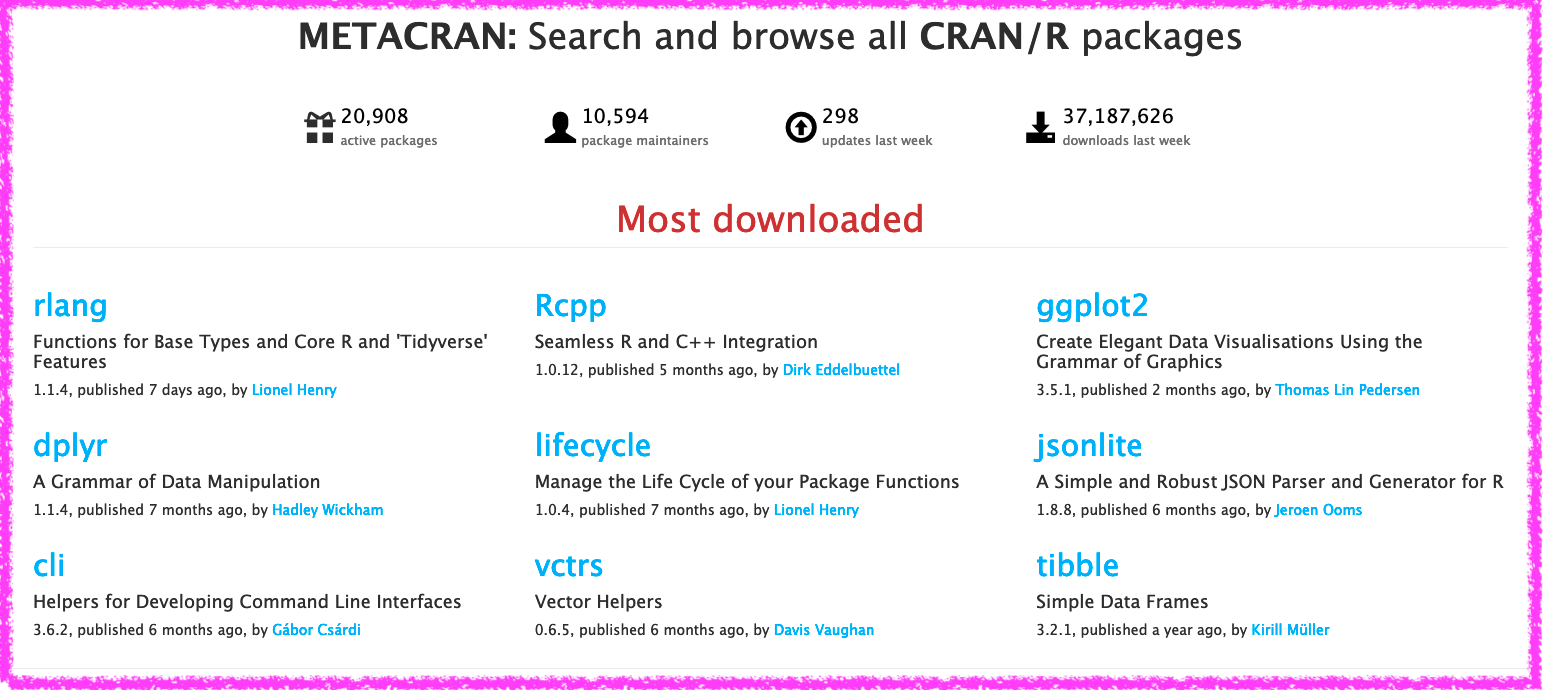
“An R package is a collection of functions, data, and documentation that extends the capabilities of base R. Using packages is key to the successful use of R.”

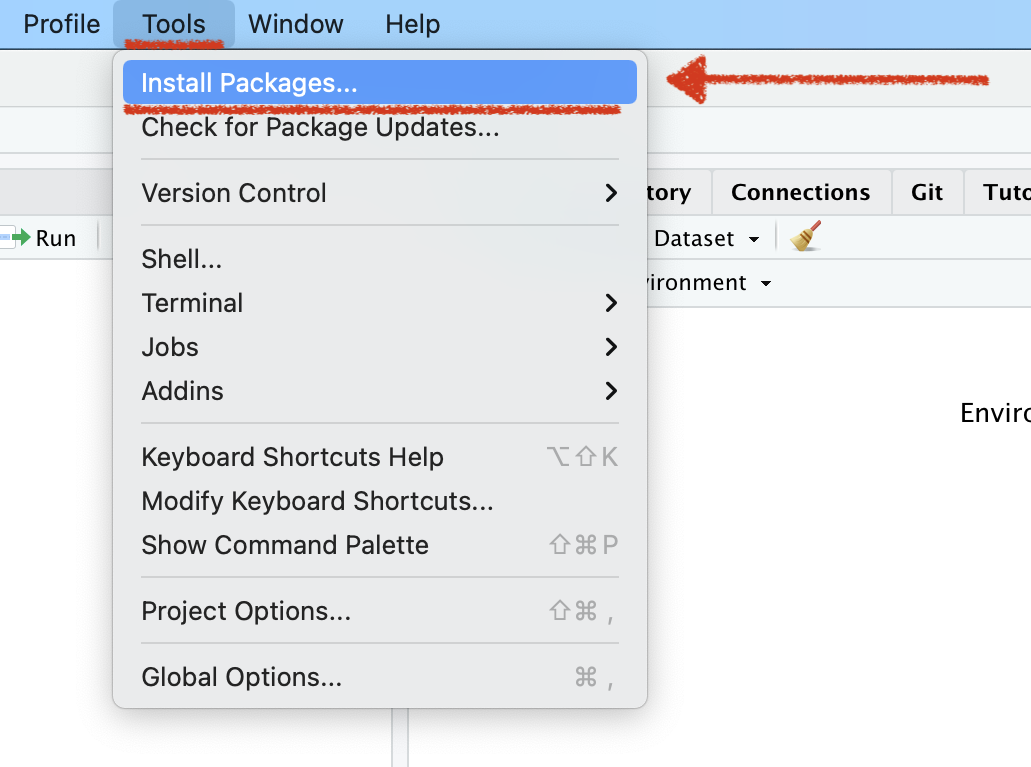
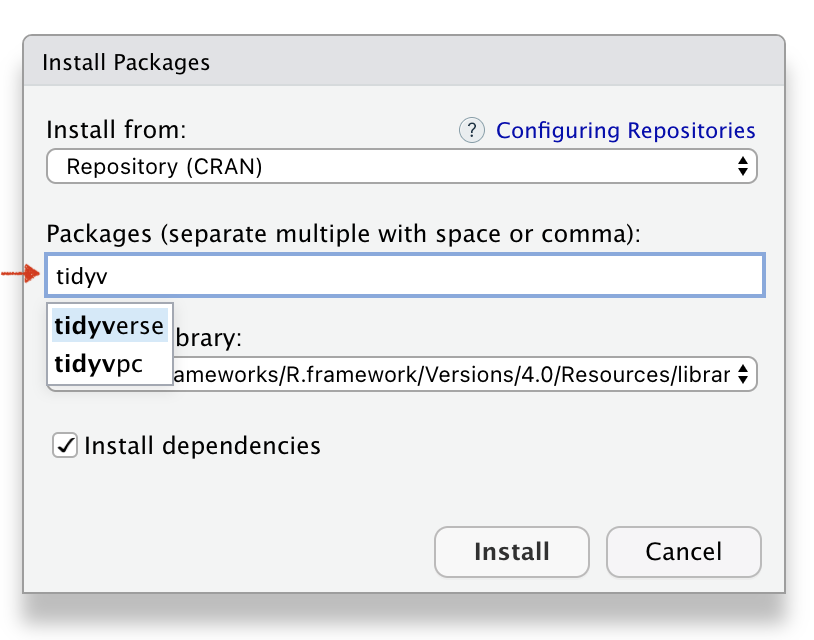
Install the R package
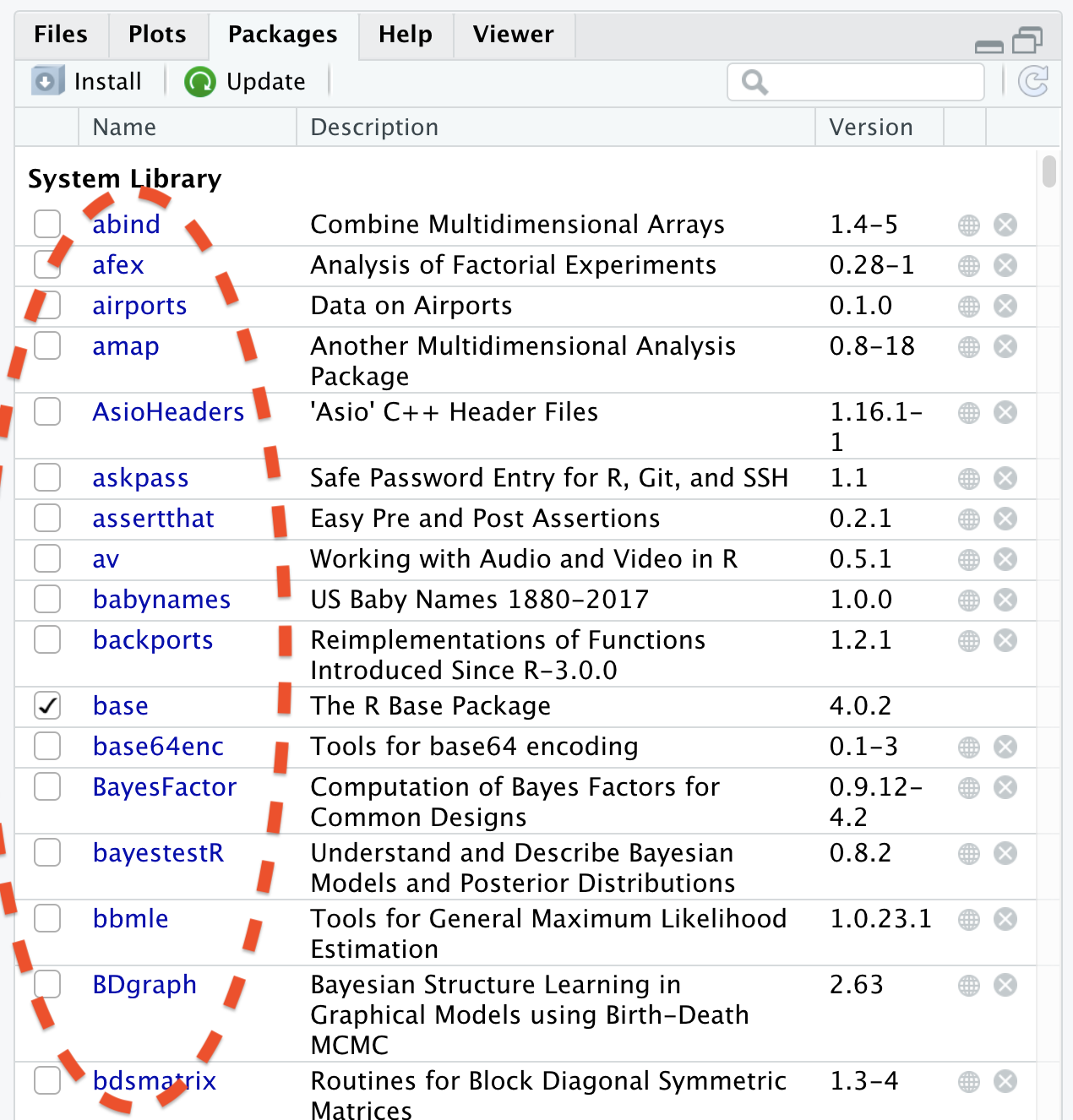
Call the R package
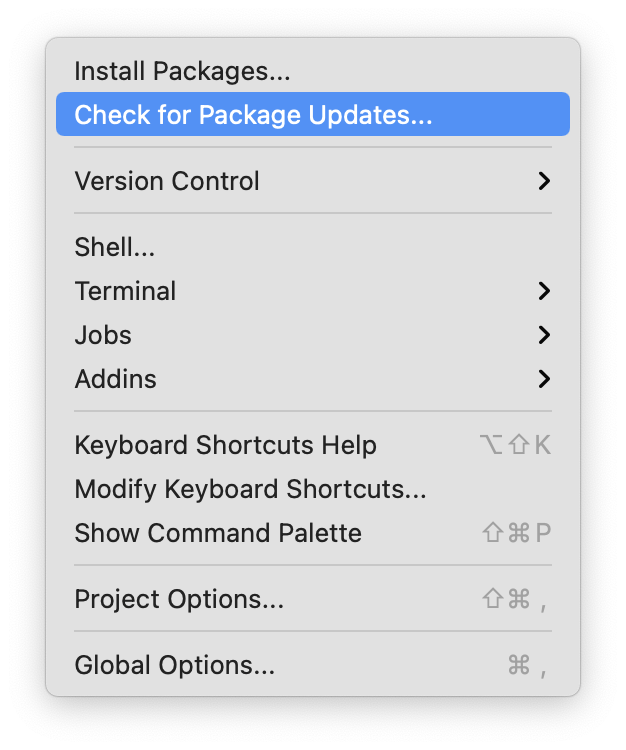
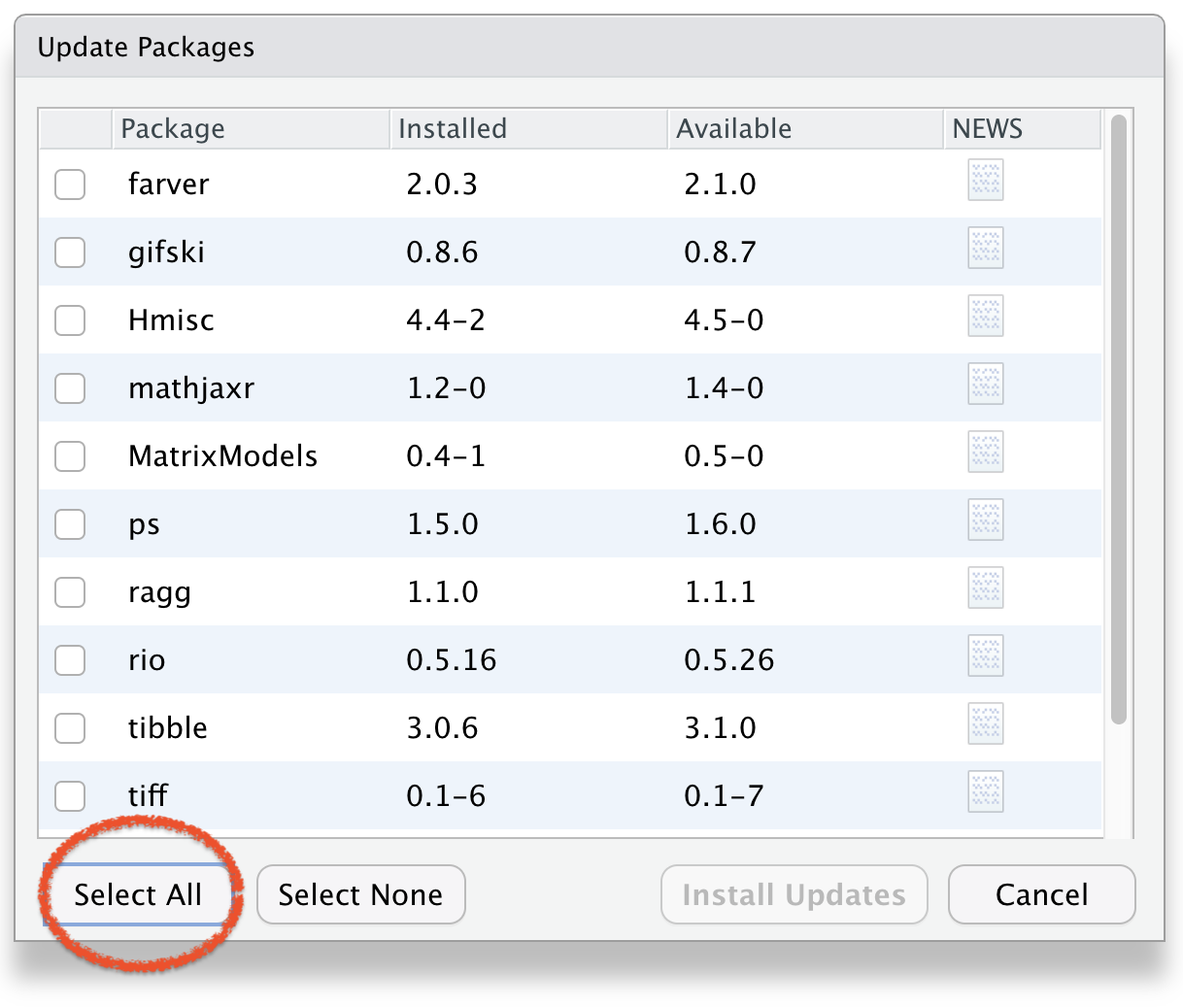
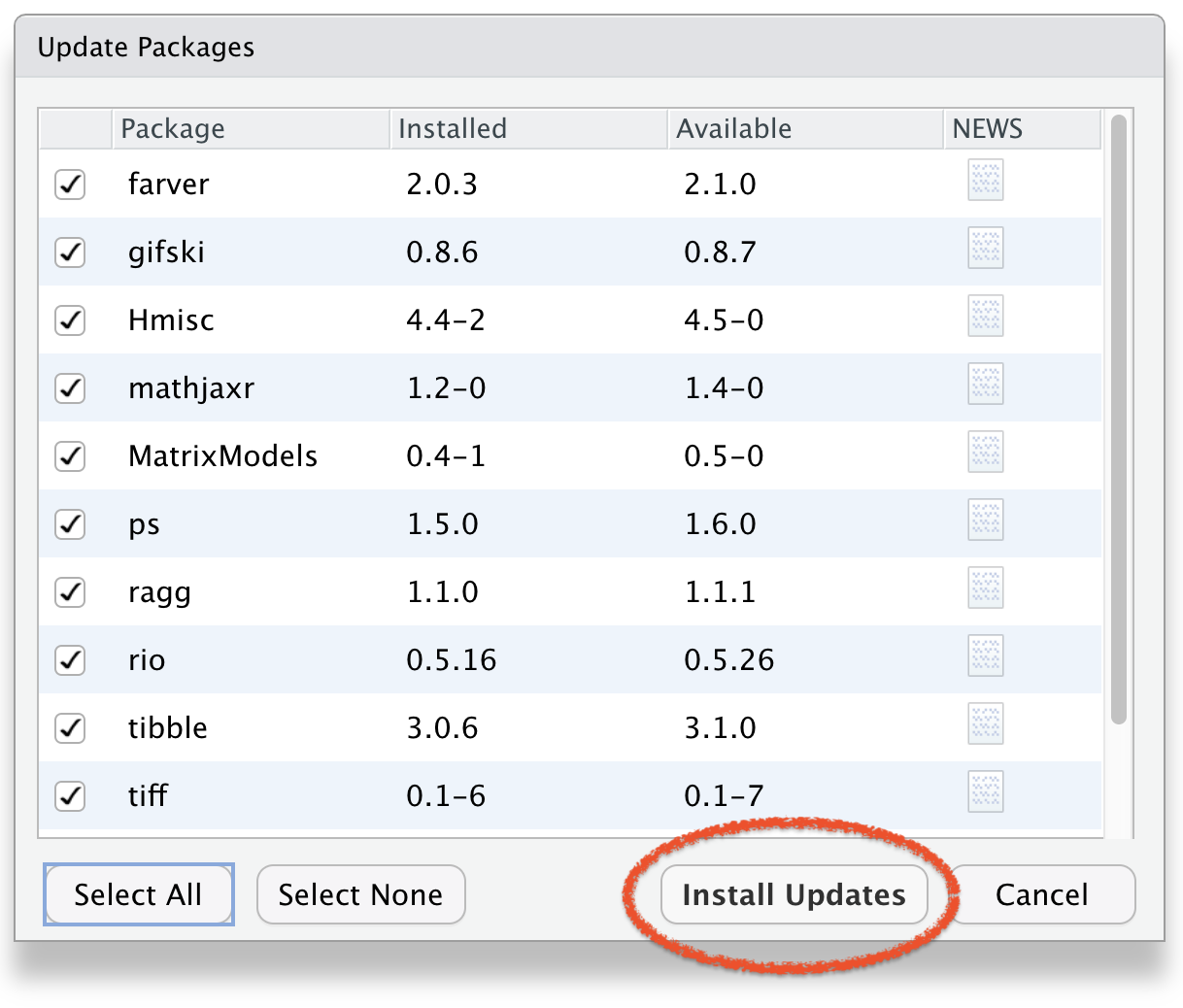
Update the R package
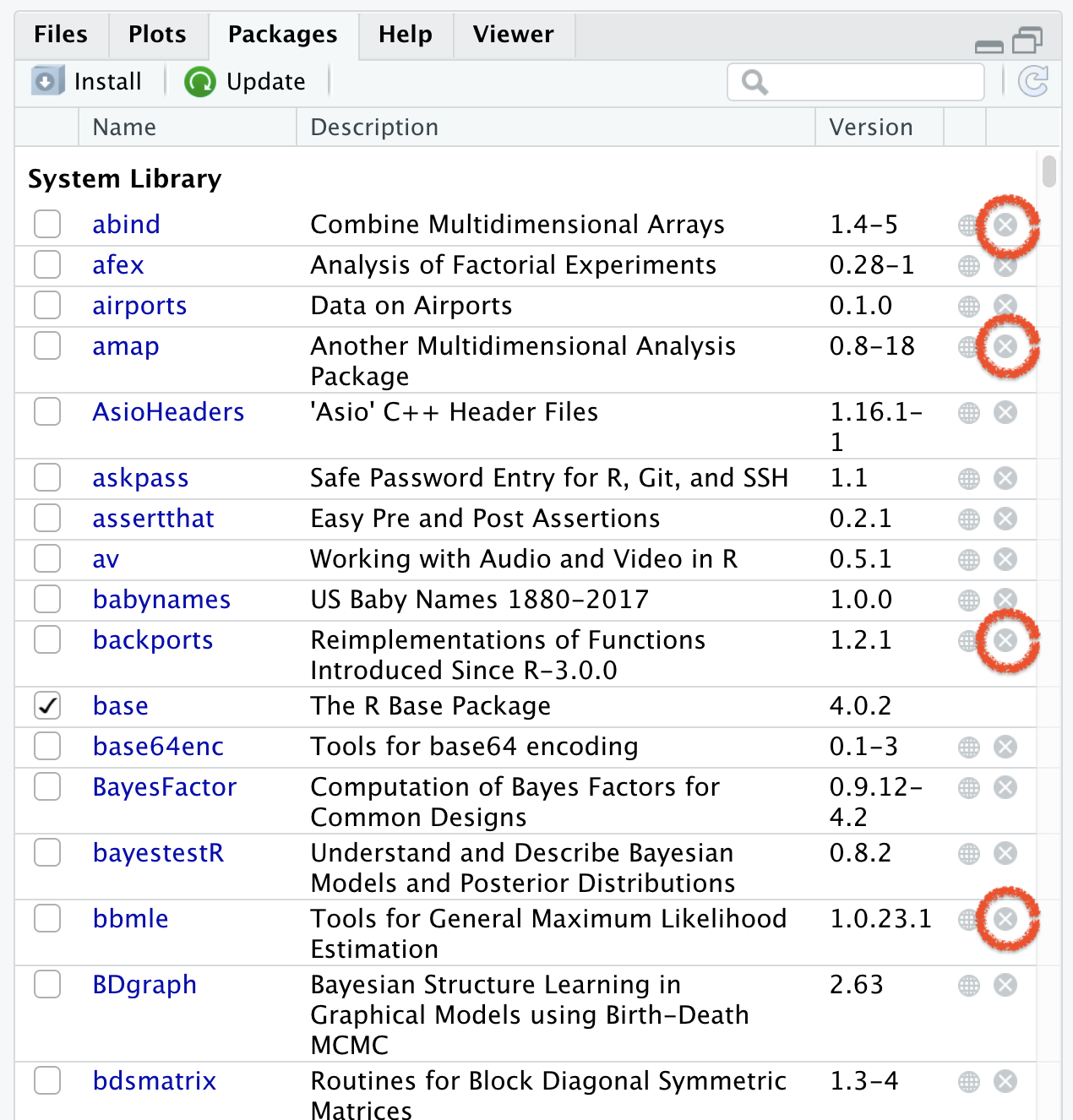
Remove the R package
You need to install package only once like:
📚 We buy books once and use them again and again
💡 Fix the bulb once and use it again and again.
In every R document you need to call once the package using function library(), for example library(ggplot2).
Once in a while, you need to update the installed packages as well.
If you un-install R or RStudio, you will lose all installed packages.
##---Correct answer: C) ```{r}
Correct answer: B) A collection of R functions, data, and documentation
Correct answer: D) install.packages()
Correct answer: B) Hides the code but shows the result
Correct answer: B) ggplot2